
StratoVM Testnet
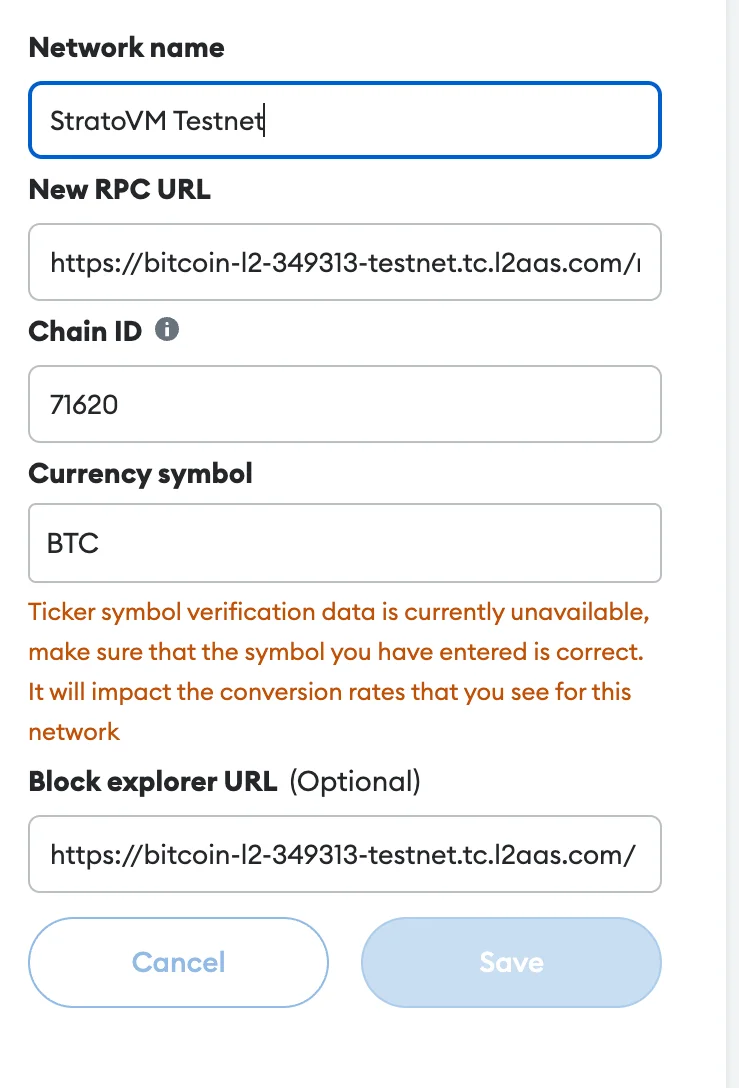
OpenTo start building and testing on the StratoVM testnet, you’ll need to add the network to your MetaMask wallet.
Open MetaMask and navigate to “Settings” > “Networks” > “Add Network”. Enter the StratoVM Testnet details: Network Name: StratoVM Testnet RPC URL: https://bitcoin-l2-349313-testnet.tc.l2aas.com/rpc Chain ID: 71620 Currency Symbol: BTC Block Explorer URL: https://bitcoin-l2-349313-testnet.tc.l2aas.com/
Request test tokens on the project's Discord in the request-faucet channel.
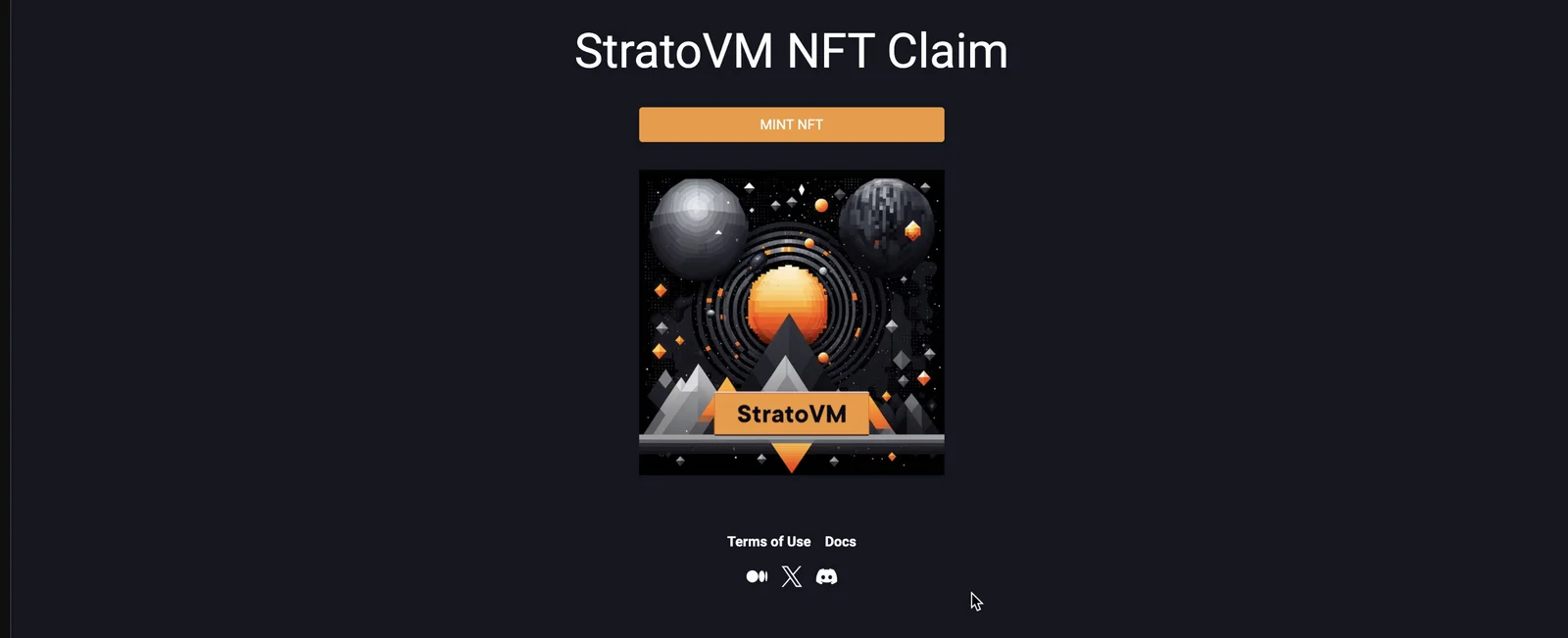
Go to the website, connect your wallet and mint NFT: This is all the available activities on the test network at the moment. We will update the guide when new activities become available.
Participating in airdrops is your choice and your risk. We don't guarantee any rewards. Connect your wallet only to official websites. If someone asks you to send crypto – it's a scam.