


 +6
+6Interaction with the wallet
AbertaPhantom doesn't have a token, but the project may launch it in the future. This guide will look at all the activities for which we can get airdrop when the token is launched.
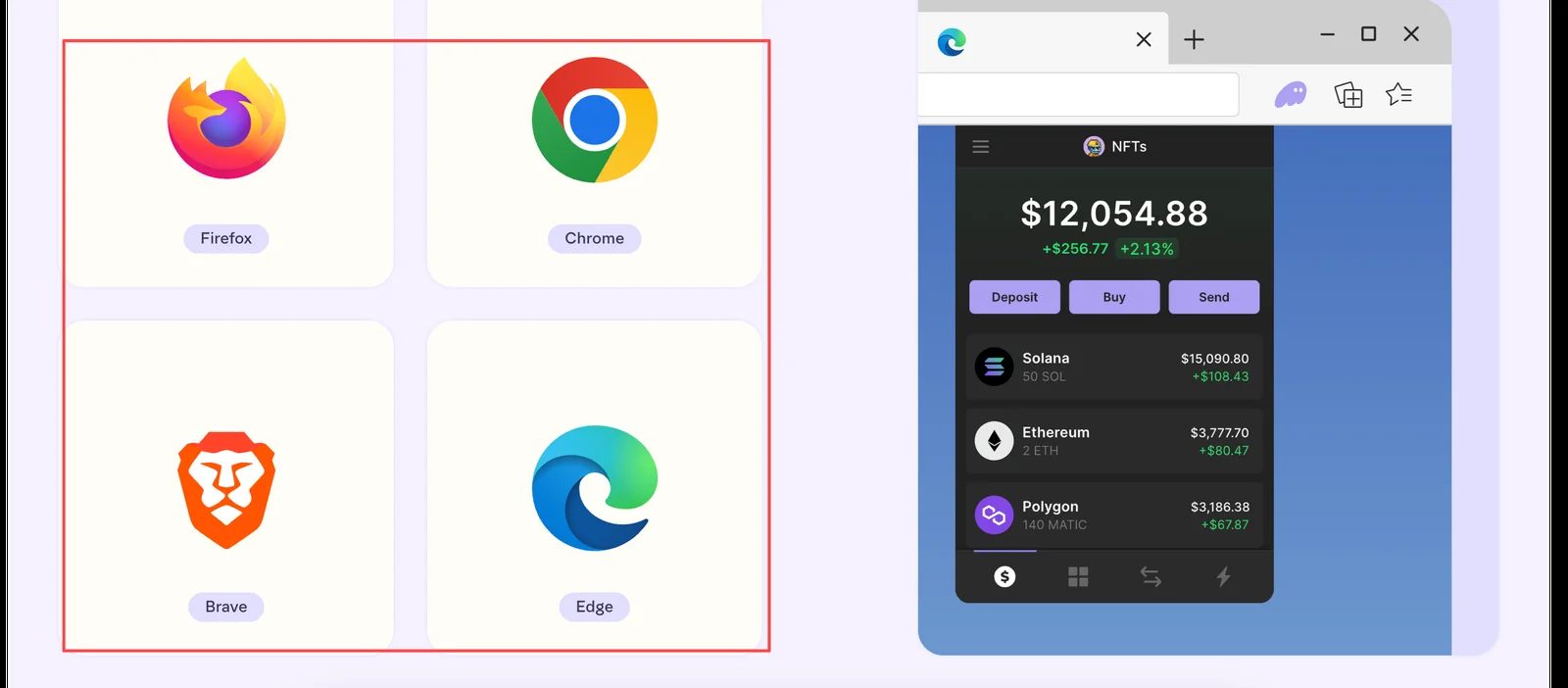
Follow the link, select your browser, and install the Phantom wallet extension. Then create a wallet (don't forget to save your mnemonics):
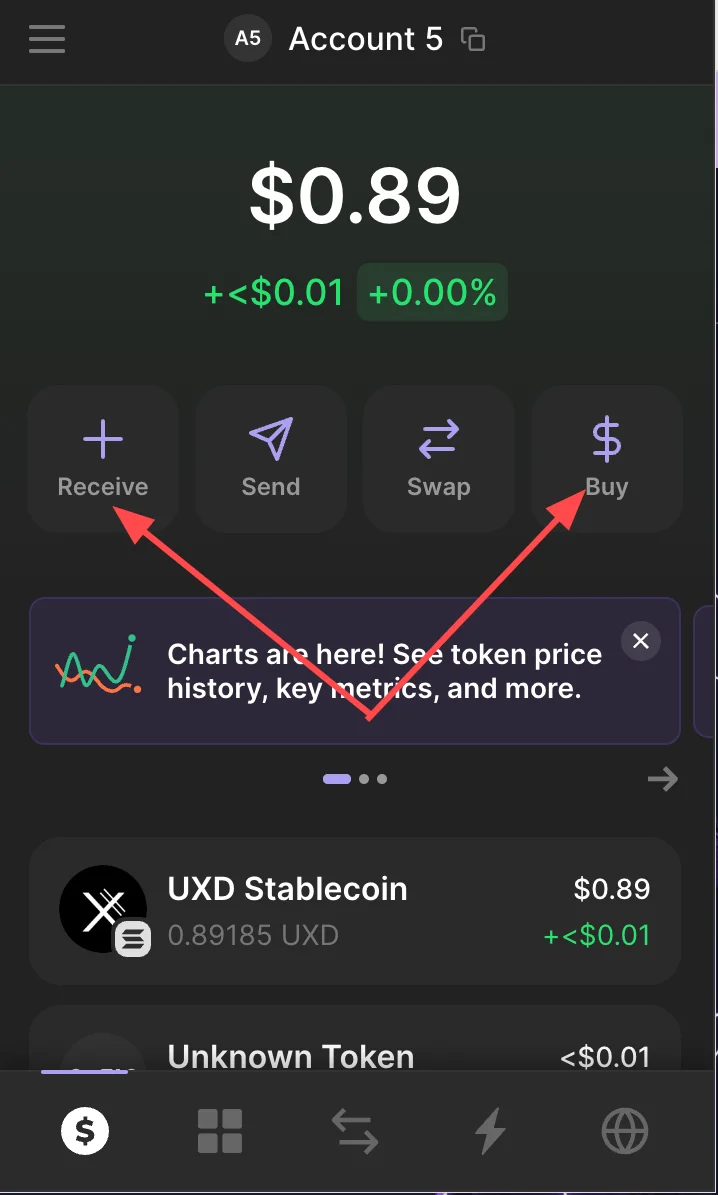
Deposit your wallet (we recommend depositing $SOL). This can be done in 2 different ways: using the Receive button (you can deposit from any other wallet) and the Buy button (you can buy cryptocurrency using your payment card):
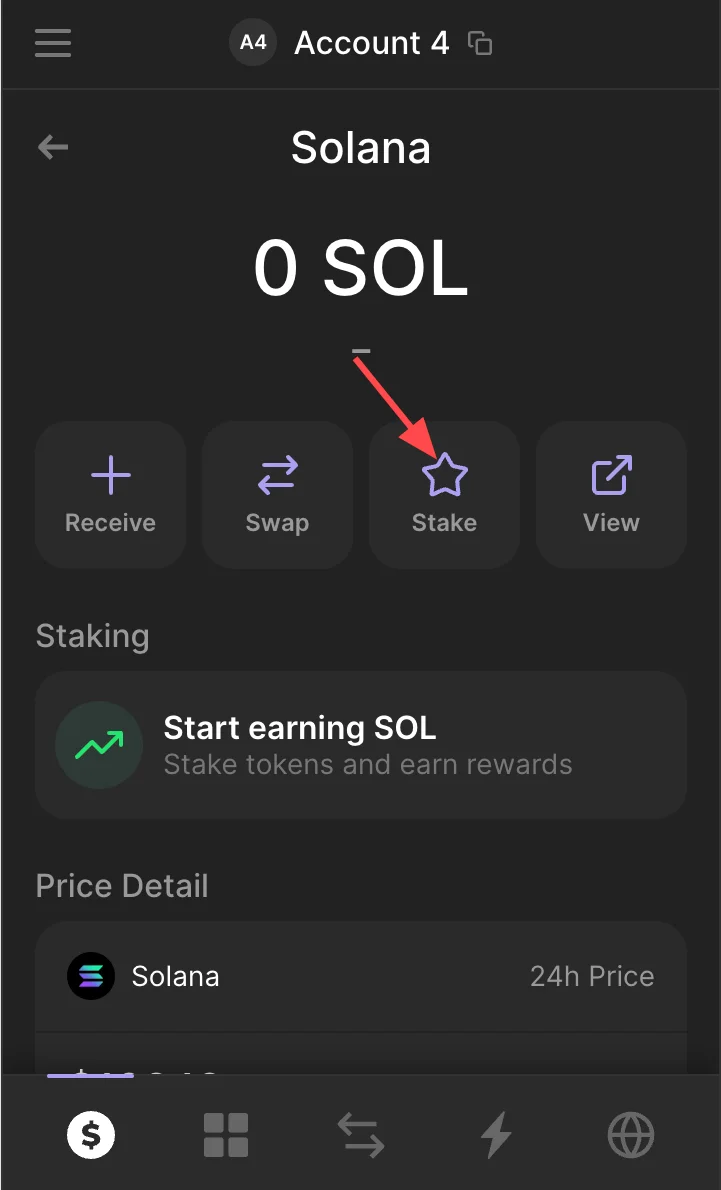
Stake tokens. To do this, click on SOL and then Stake. Select the validator and confirm staking:
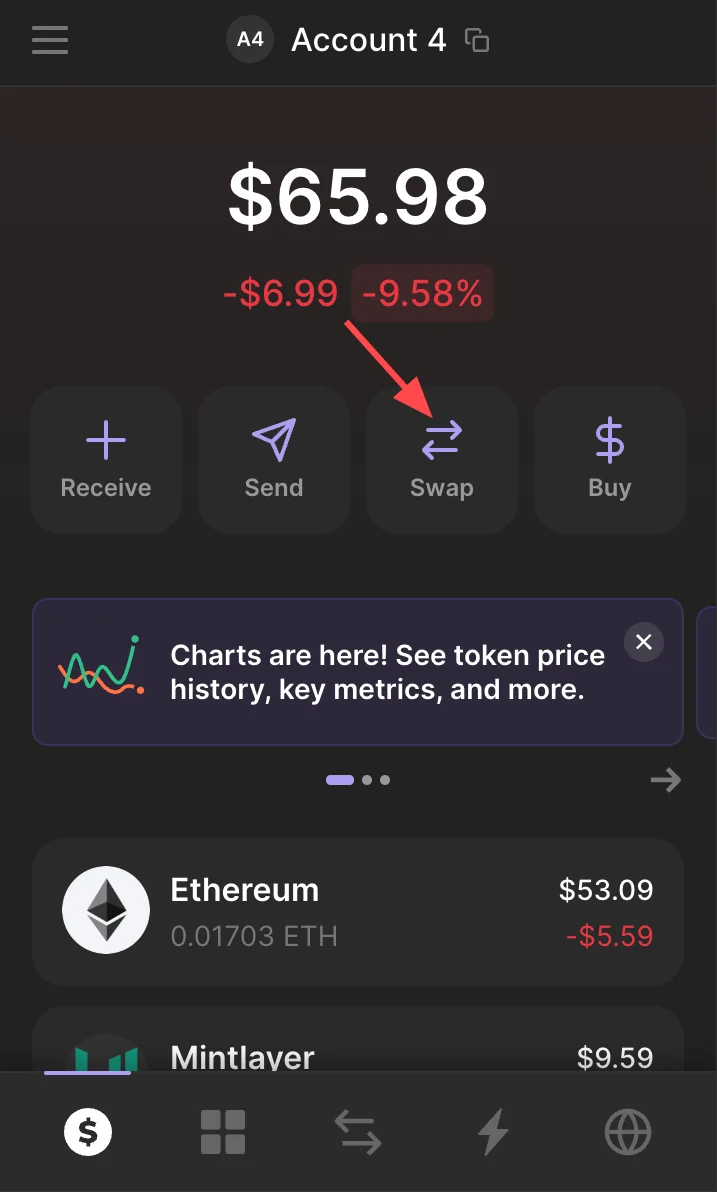
You can also make swaps in Phantom Wallet. Click Swap and make several swaps. Repeat this action periodically to be an active user for a long time:
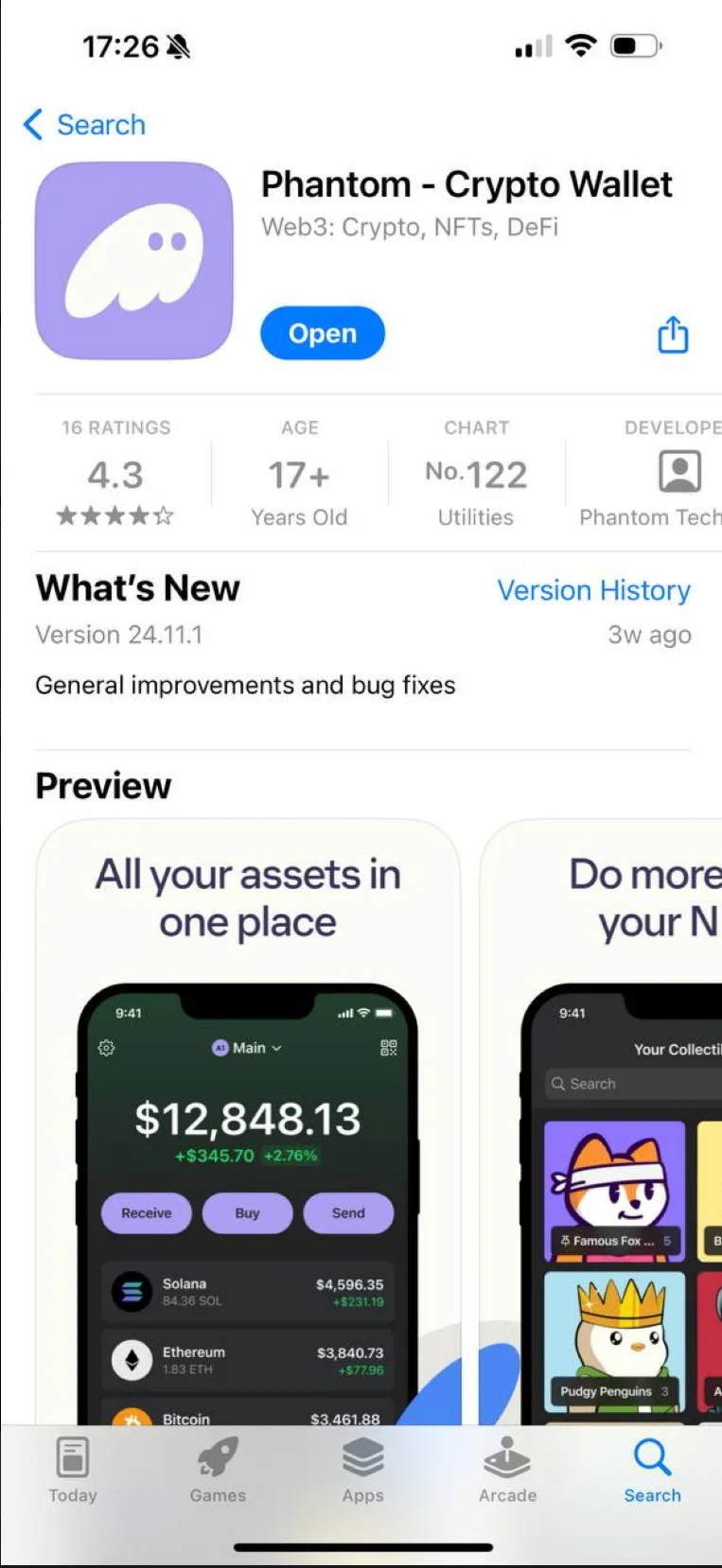
Install the Phantom app on your phone from the App Store/Play Market and import your wallet using your sydphrase:
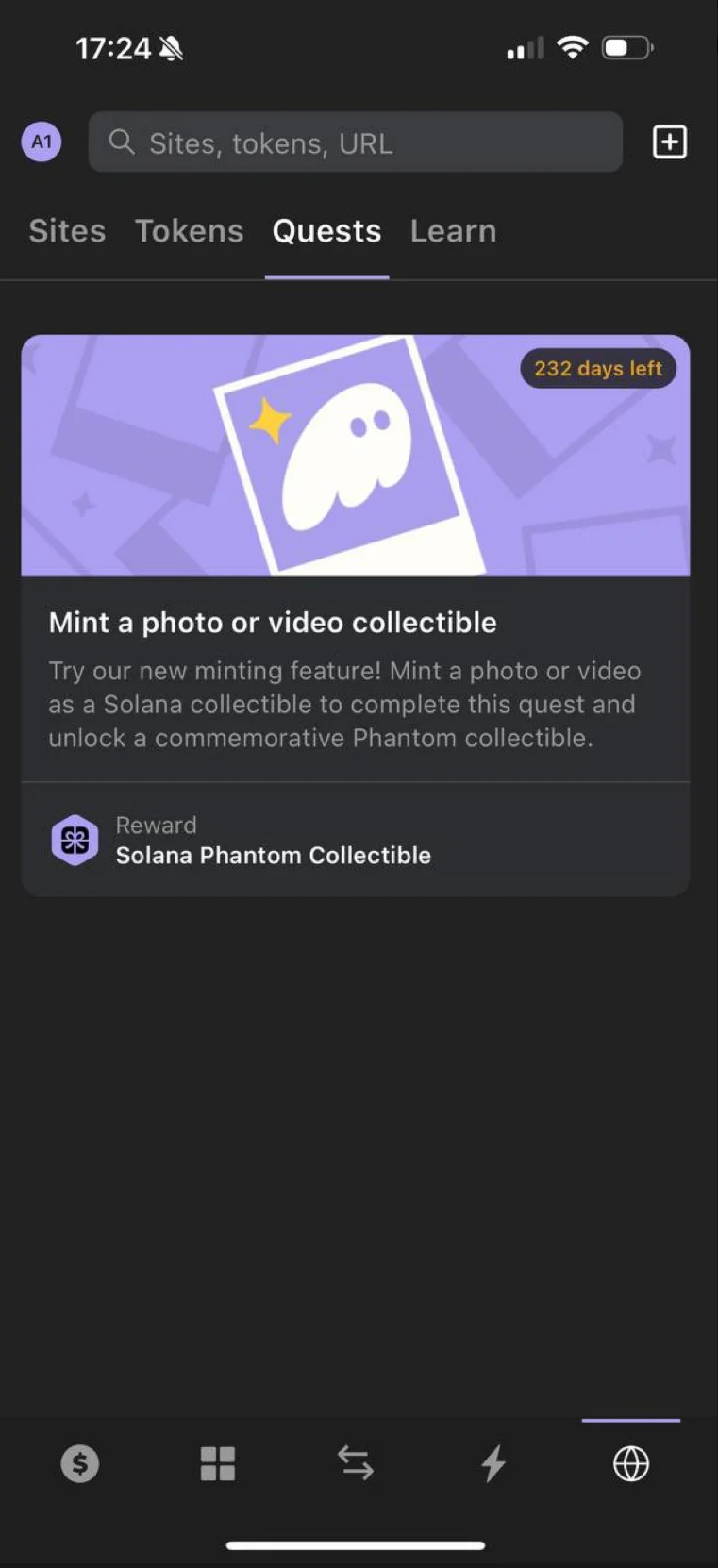
In the app, open the Quests tab and mint any photo by filling in the information below:
Participar em airdrops é sua escolha e seu risco. Não garantimos nenhuma recompensa. Conecte sua carteira apenas a sites oficiais. Se alguém pedir para você enviar cripto – é golpe.