
투자
$0
예정
토큰
StratoVM 테스트넷
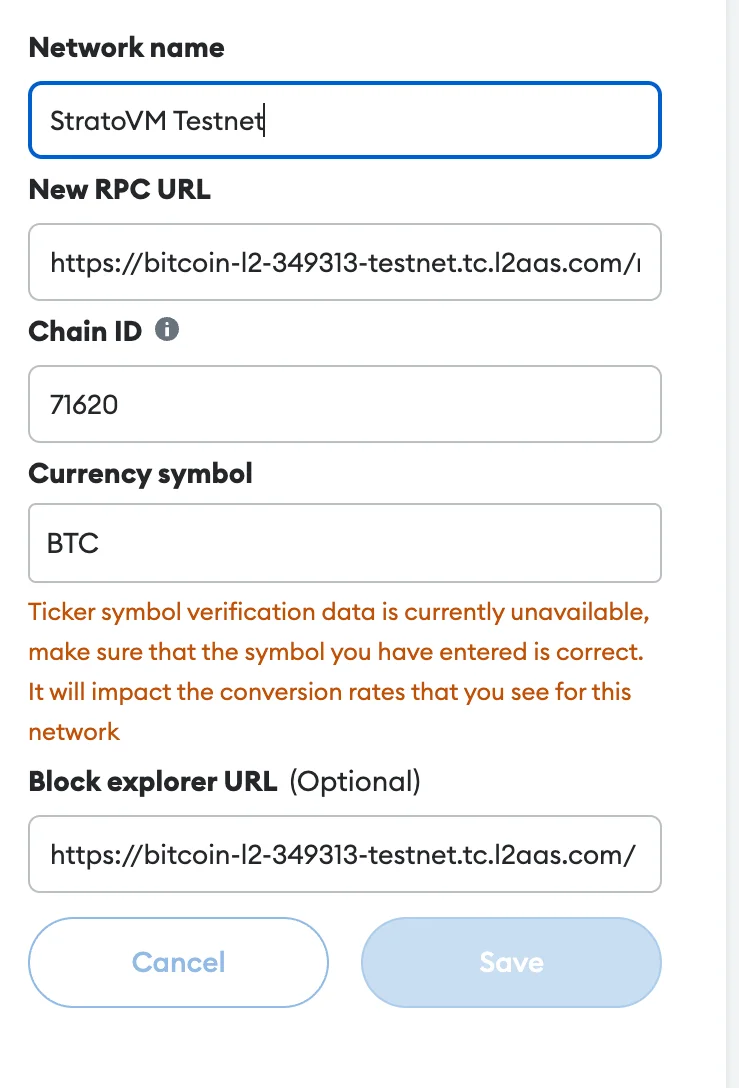
진행 중StratoVM 테스트넷에서 빌드하고 테스트하려면 MetaMask 지갑에 네트워크를 추가해야 합니다.
1
MetaMask를 열고 "설정" > "네트워크" > "네트워크 추가"로 이동하세요. StratoVM 테스트넷 세부 정보를 입력하세요: 네트워크 이름: StratoVM Testnet RPC URL: https://bitcoin-l2-349313-testnet.tc.l2aas.com/rpc 체인 ID: 71620 화폐 기호: BTC 블록 탐색기 URL: https://bitcoin-l2-349313-testnet.tc.l2aas.com/
2
StratoVM 프로젝트의 디스코드의 request-faucet 채널에서 테스트 토큰을 요청하세요.
3
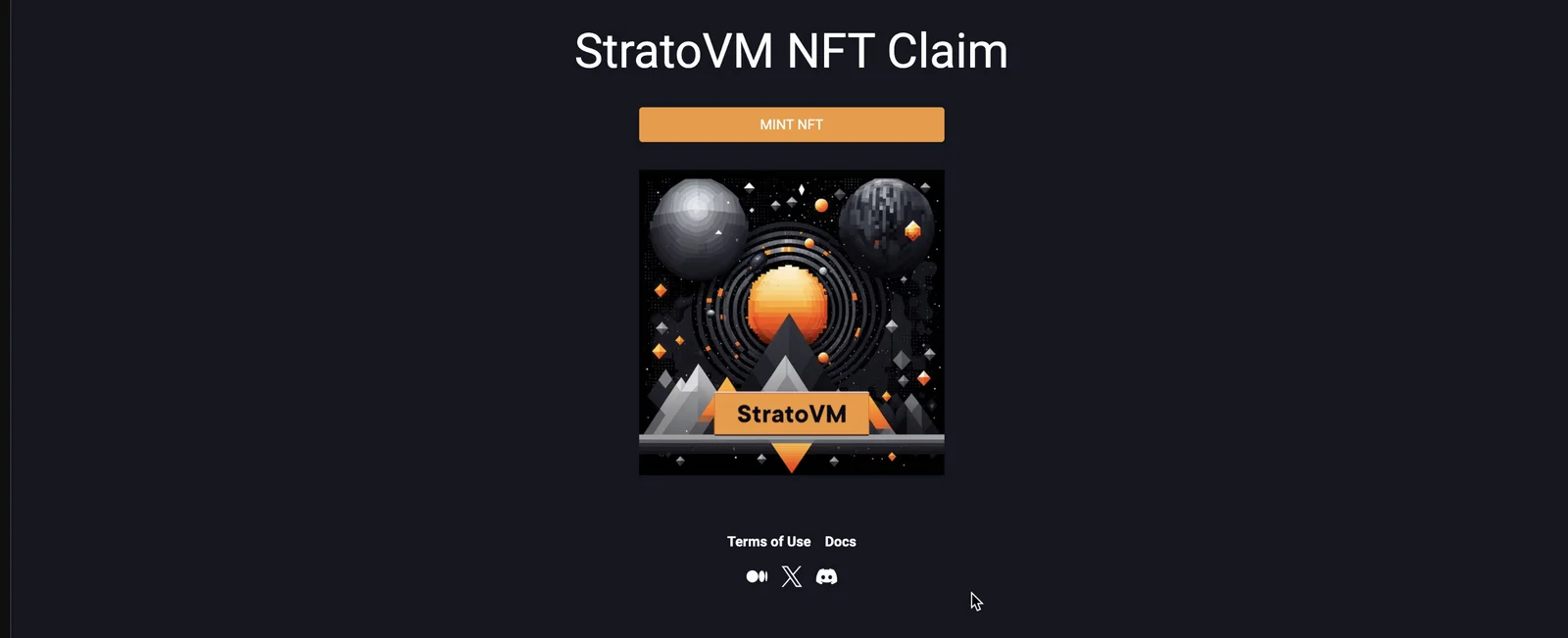
웹사이트에 접속하여 지갑을 연결하고 NFT를 민팅하세요: 현재 테스트 네트워크에서 가능한 모든 활동은 이것으로 끝입니다. 새로운 활동이 가능해지면 가이드를 업데이트하겠습니다.
에어드롭 참여는 본인의 선택이며 본인의 책임입니다. 보상을 보장하지 않습니다. 공식 사이트에만 지갑을 연결하세요. 누군가 크립토를 보내달라고 하면 사기입니다.